Steam’s latest beta brings ‘Big Art’ to Big Picture Mode and Steam Deck, and customizable screensavers…


The Evolution of the Steam Interface
To understand the significance of this update, it is necessary to look at the historical trajectory of Valve’s interface design. Steam’s Big Picture Mode was originally launched in 2012, specifically designed to bridge the gap between traditional PC gaming and console-like experiences. It was intended for use with controllers on televisions, prioritizing accessibility, large text, and a streamlined navigation flow.
Over the last decade, Valve has undergone several iterations of this design. The most substantial overhaul occurred in 2022, when Valve replaced the aging original Big Picture interface with the modern, fluid architecture found on the Steam Deck. This transition unified the ecosystem, ensuring that a user’s experience on a handheld device remained consistent with their desktop experience when connected to a larger display. The current introduction of "Big Art Mode" represents the next logical step in this evolution: prioritizing the visual identity of games over the functional, data-heavy lists that characterized earlier versions of the UI.
Understanding Big Art Mode
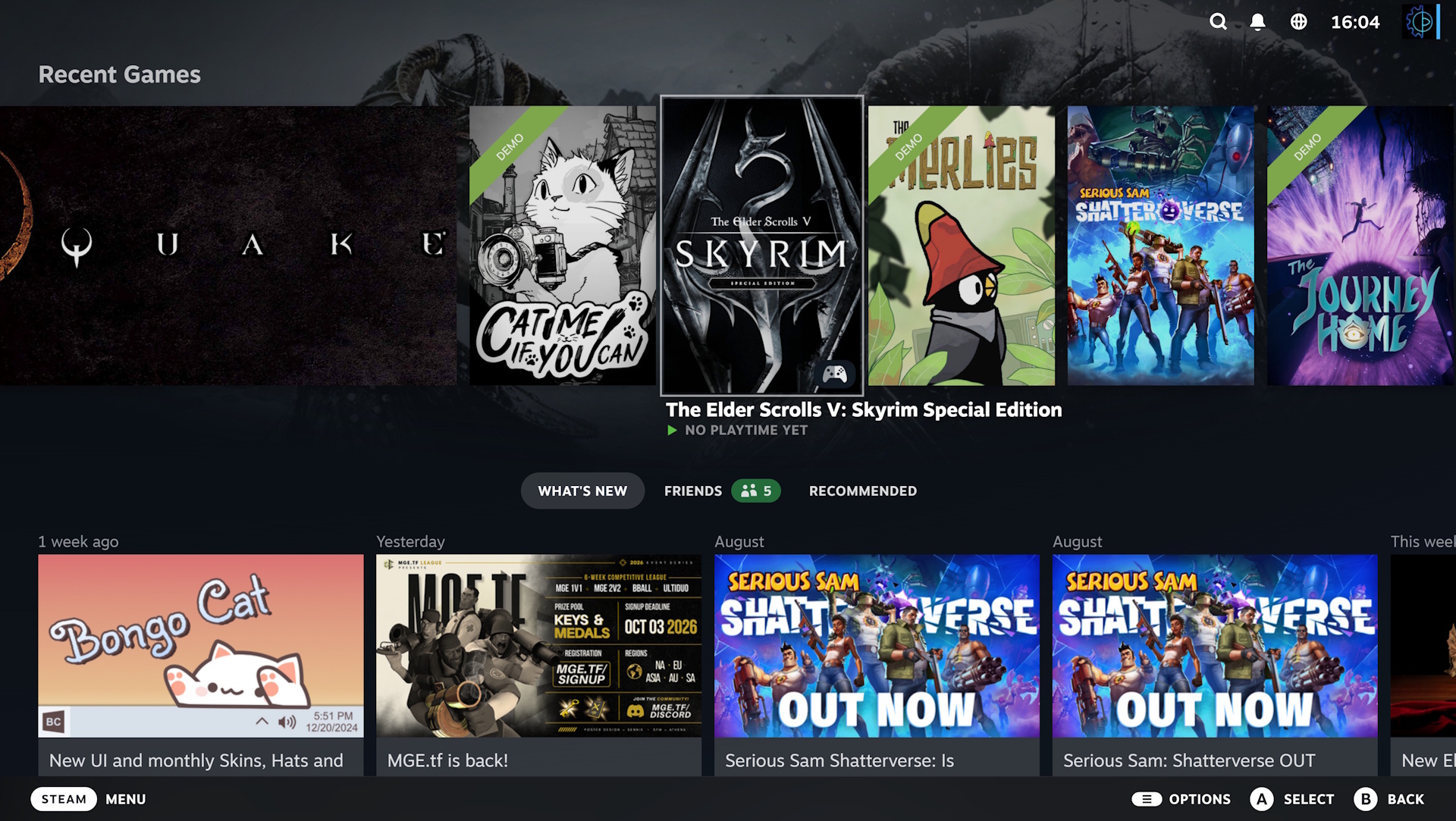
The primary feature of this update, Big Art Mode, fundamentally changes how a user interacts with their library dashboard. In the standard interface, the UI often relies on a carousel of thumbnails, text-based menus, and list-style layouts. While efficient, this approach can feel cluttered, particularly for users with extensive digital libraries.
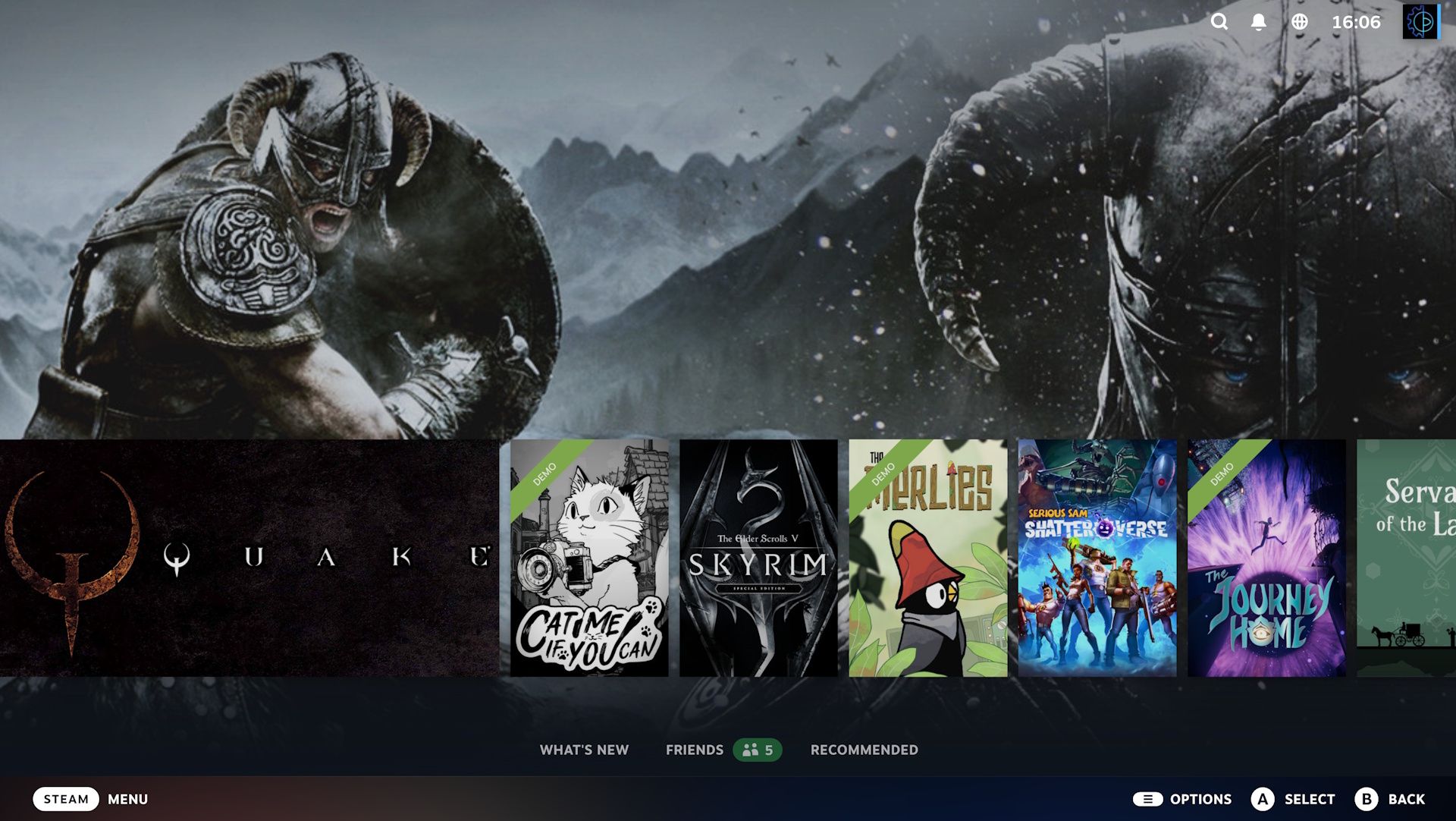
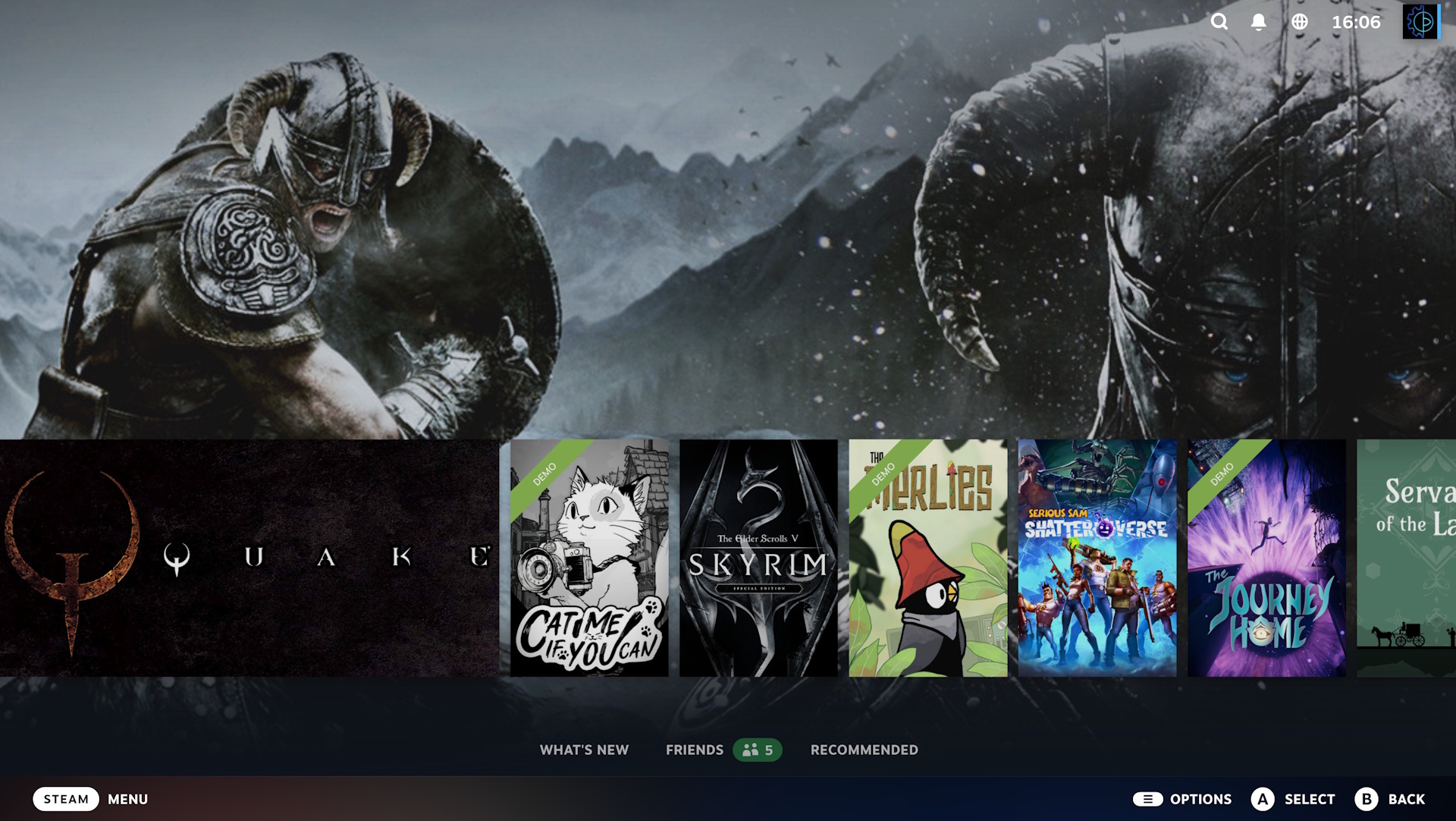
Big Art Mode shifts this paradigm by collapsing the standard UI elements. When enabled, the interface pulls the high-resolution promotional artwork associated with a selected title and expands it to fill the background of the screen. The carousel of recent games is pushed lower, effectively giving the spotlight to the game’s official capsule art. This design choice mirrors the aesthetic found in high-end media streaming platforms, where the focus is on immersive imagery rather than dense data presentation.
However, the implementation is not without its limitations. During the beta testing phase, it has been noted that not all games translate perfectly to this new visual layout. Titles that lack high-fidelity or specifically formatted artwork may appear stretched or pixelated. Valve has historically relied on community-contributed assets and developer-provided metadata to populate its store pages; consequently, the consistency of the "Big Art" experience is somewhat dependent on the quality of assets uploaded by game developers.
Cosmetic Enhancements and Customization
Beyond the primary layout change, Valve has introduced a series of new screensaver options. This is a departure from the static or simple black screens that previously populated the idle states of the Big Picture interface. Users can now toggle between several modes:
- Dynamic Slideshows: A cycling gallery of artwork from a user’s most recently played titles.
- Screenshot Integration: Users can opt to include their own personal in-game captures in the screensaver cycle, effectively turning their TV or monitor into a digital gallery of their own gaming history.
- Retro-Inspired Bouncing Logo: A nostalgic nod to the early 2000s, featuring the iconic Steam logo bouncing against the edges of the display—a direct homage to the classic DVD player screensavers of the past.
These additions signify Valve’s increased focus on "desktop hygiene" and personalization. By allowing users to customize the idle state of their interface, Valve is catering to a demographic that views their gaming rig as a centerpiece of their home entertainment system, rather than just a functional workstation.
Technical Performance and System Optimization
While the aesthetic changes dominate the headlines, the beta update also contains significant backend improvements. Valve has stated that the update includes improvements to the Steam client’s startup performance, a long-standing pain point for users with thousands of games in their library.
Furthermore, the update addresses specific performance bottlenecks related to game recording—a feature that has gained prominence with the rise of integrated clipping tools. The update specifically reduces the overhead of recording for Direct3D 12 applications on Windows. For many users, particularly those playing resource-intensive modern titles, this reduction in CPU/GPU latency could lead to more stable frame rates during gameplay while recording. Additionally, the update includes expanded support for Linux, which remains a critical pillar of Valve’s strategy, particularly given the reliance of the Steam Deck’s SteamOS on Proton, the compatibility layer for running Windows games on Linux.
Implementation and User Adoption
For those interested in testing these features, the process involves opting into the Steam Client Beta. This can be done via the "Interface" menu within the Settings tab of the Steam application. Once enabled, the client will download the necessary assets and prompt a restart.
It is worth noting that while Valve has a strong track record for software stability, beta versions carry inherent risks. Users may encounter UI glitches, navigation bugs, or unexpected behavior in specific game launchers that hook into the Steam overlay. However, the modular nature of the update allows users to revert to the standard branch at any time, mitigating the risk of long-term software conflicts.
Broader Implications for the PC Market
This update underscores a critical shift in the PC gaming industry. As hardware becomes more powerful and the lines between consoles and PCs continue to blur, the interface through which users access their software has become a key competitive differentiator. Companies like Microsoft, through the Xbox app on Windows, and Epic Games have attempted to capture this market, but Valve’s continued refinement of Big Picture Mode maintains its position as the industry leader for cross-platform play.
By focusing on high-resolution art and intuitive, living-room-friendly navigation, Valve is positioning Steam as a viable alternative to dedicated home consoles. The goal is to ensure that the transition from a desk-based experience to a couch-based experience is seamless. As more users adopt the Steam Deck or utilize dedicated streaming devices like the Steam Link, the importance of a polished, visually appealing interface will only continue to grow.
Ultimately, the introduction of Big Art Mode is a statement of intent: Valve is not content with Steam being merely a store or a game launcher. They are positioning it as a comprehensive entertainment platform. Whether these changes will be fully adopted by the wider user base depends on how well Valve optimizes the art-scaling algorithms for legacy titles, but the current beta demonstrates a clear commitment to evolving the platform to meet the aesthetic demands of a modern gaming audience.
Related posts: